Low stock is easier to identify
Simple, visible, and easier for the team to follow during daily operations.
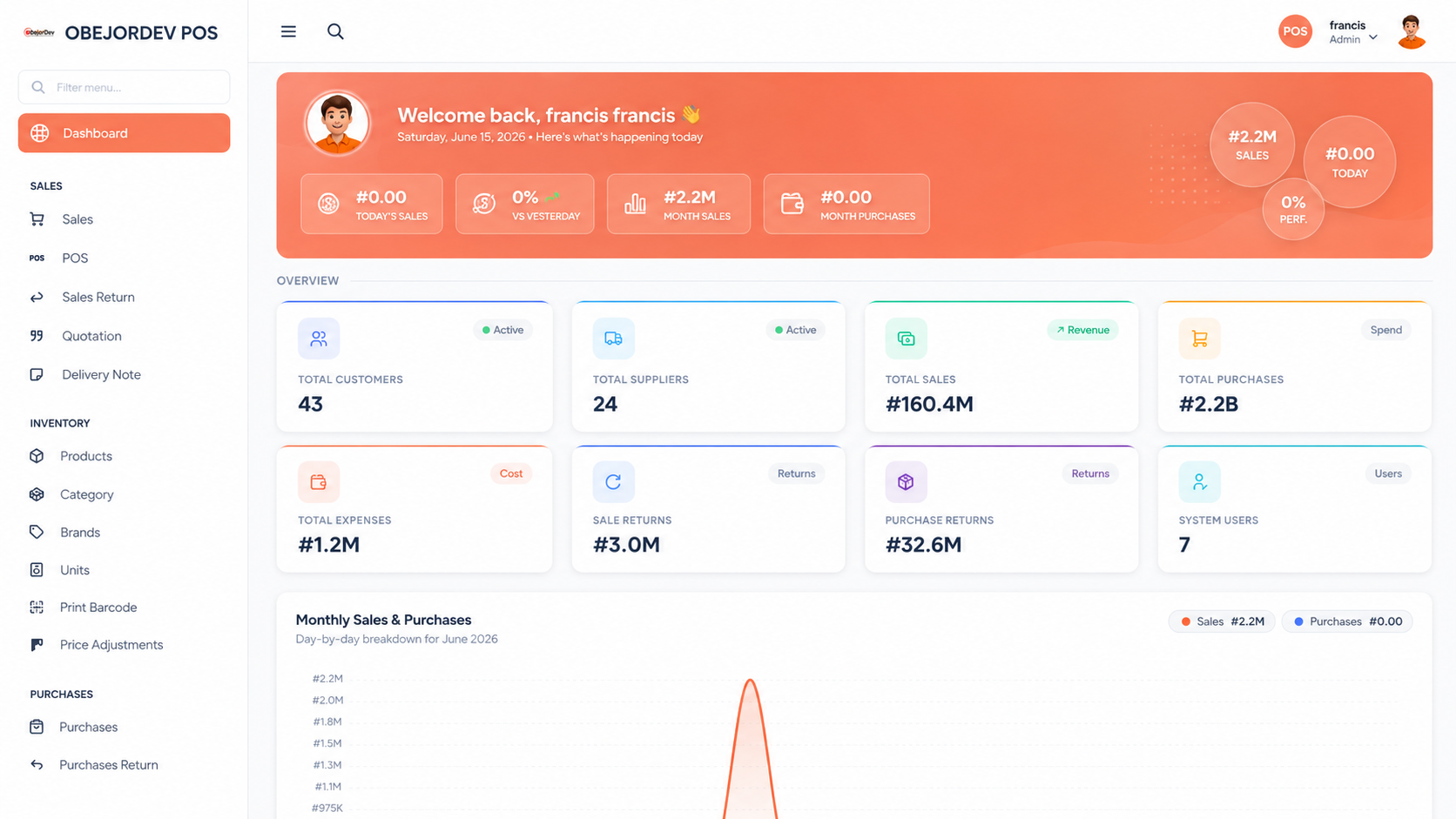
ObejorDev POS makes low stock easier to catch so fast-moving products stay available. A faster store workflow with cleaner stock, billing, payment, cashier, and reporting control.
ObejorDev POS dashboard
The issue
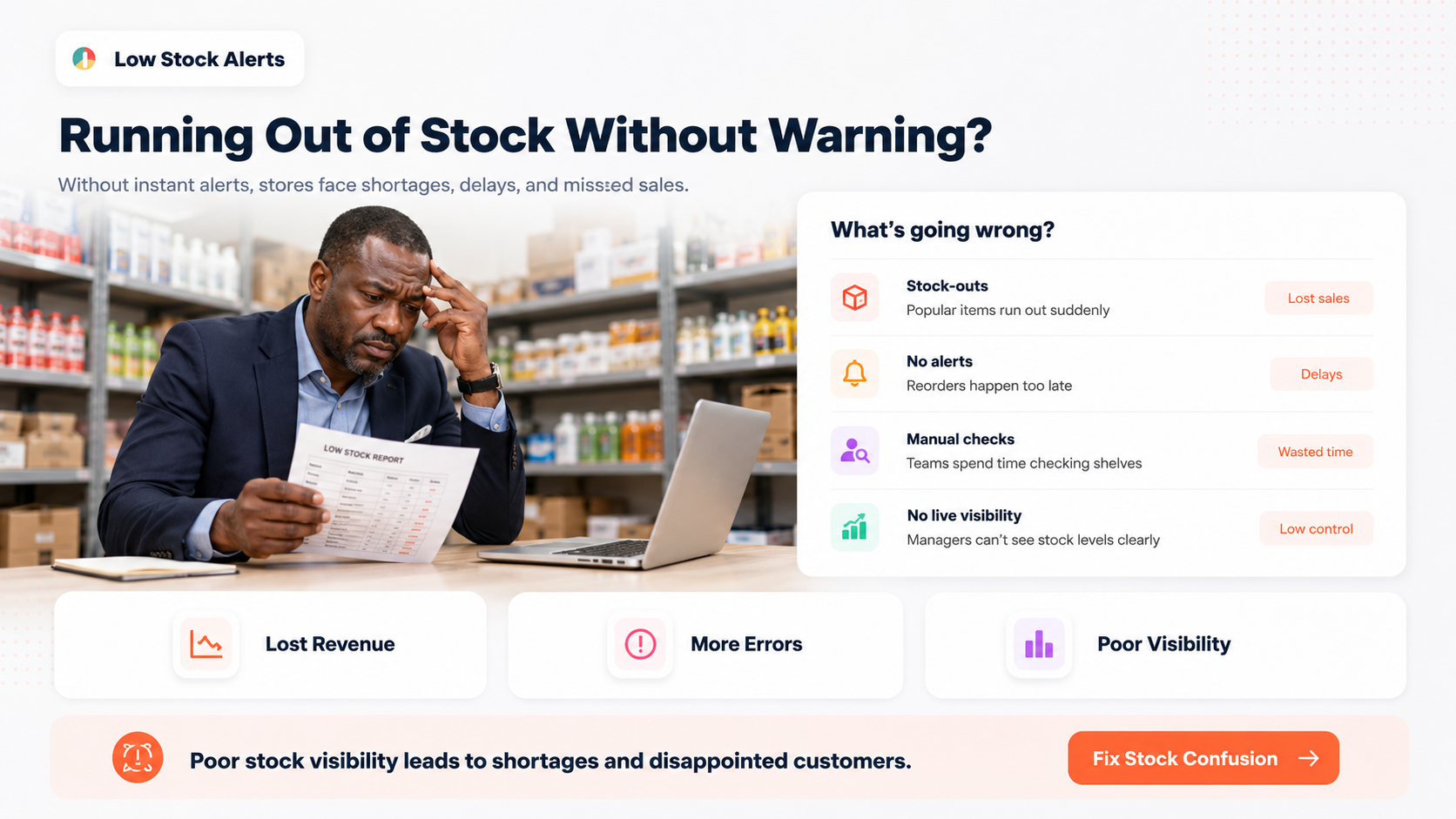
Without clear stock visibility, popular items can finish during peak sales. Managers often notice only when customers are already asking for missing products.
The solution
ObejorDev POS keeps product quantities connected with sales and purchases, helping your team spot low stock earlier and plan buying with more confidence.
See product details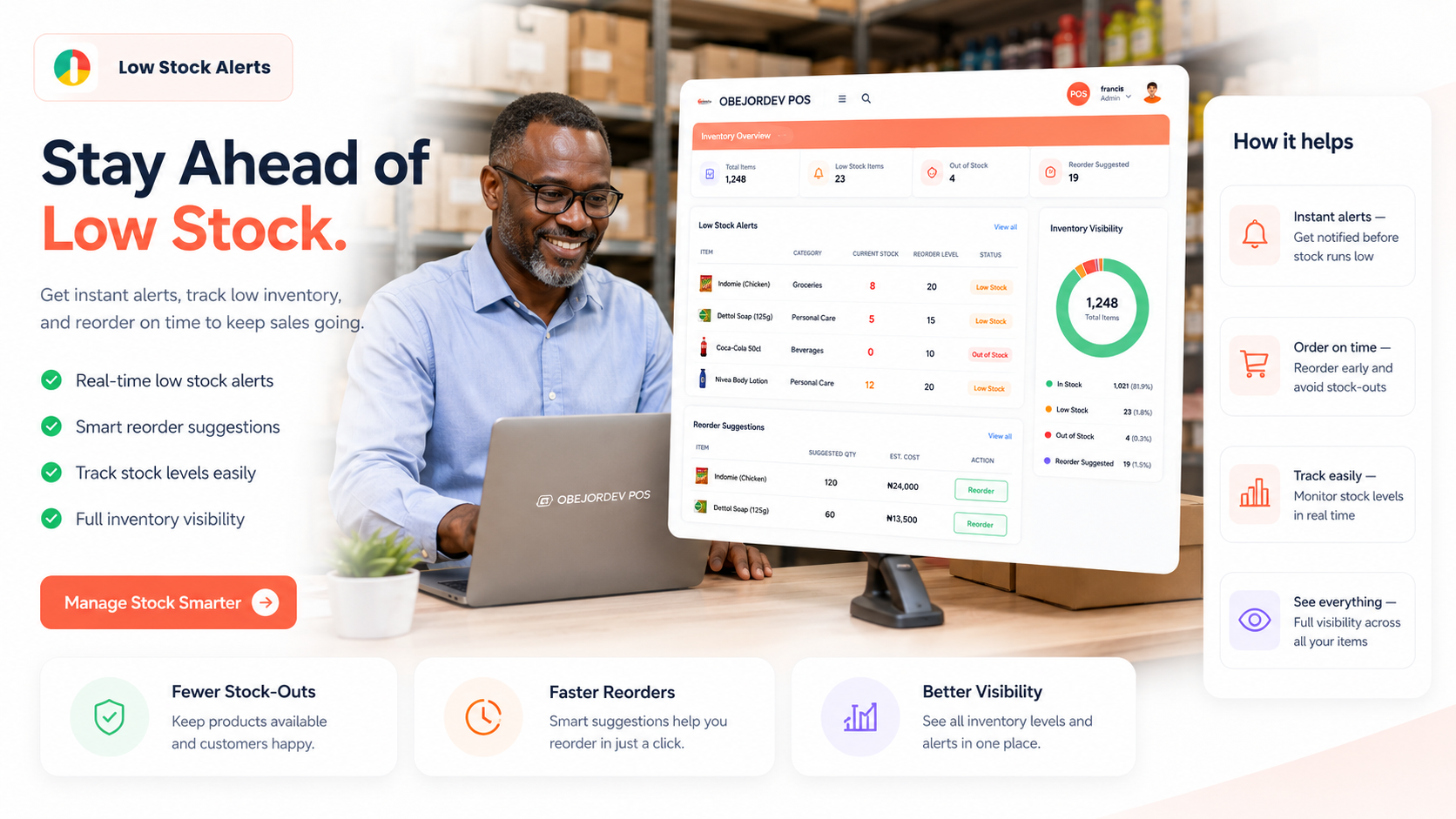
Done right
Each improvement is written for real teams, not only technical users. The goal is fewer manual gaps and more confidence in daily work.
Simple, visible, and easier for the team to follow during daily operations.
Simple, visible, and easier for the team to follow during daily operations.
Simple, visible, and easier for the team to follow during daily operations.
Simple, visible, and easier for the team to follow during daily operations.
Trusted workflow
ObejorDev POS helped us explain the daily sales picture without waiting for separate notebooks, cashier notes, and stock checks.
Ready to move forward?
Use this page to understand the issue, see the product fit, then open the product page when you are ready to review plans, demo access, training, and setup details.